DLOGM
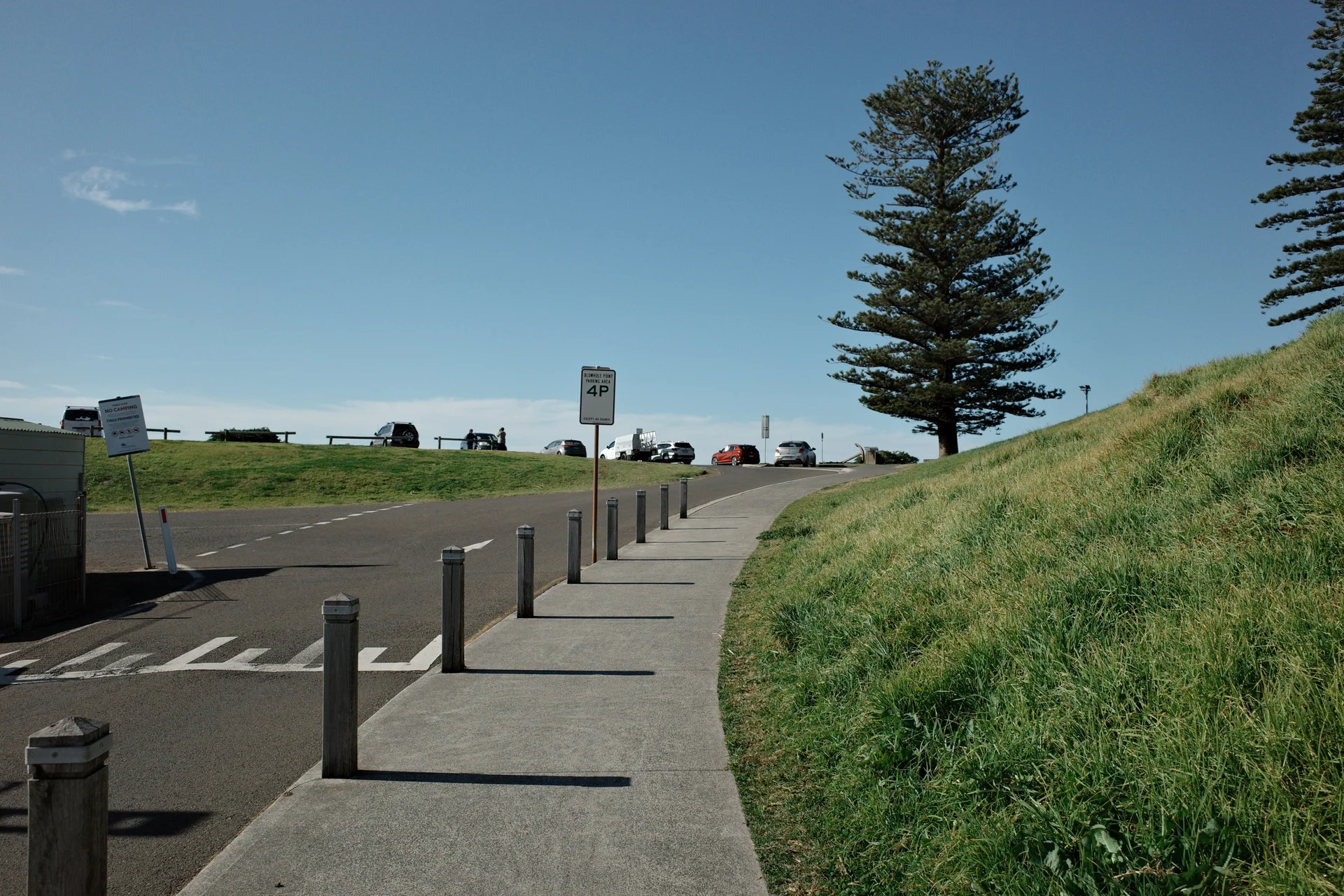
A path leading up a grassy coastal hill beneath a blue sky and tall pine trees

NEGATIVE 01 · NORMAL INPUT

Film-inspired video LUTs
for DJI Pocket.

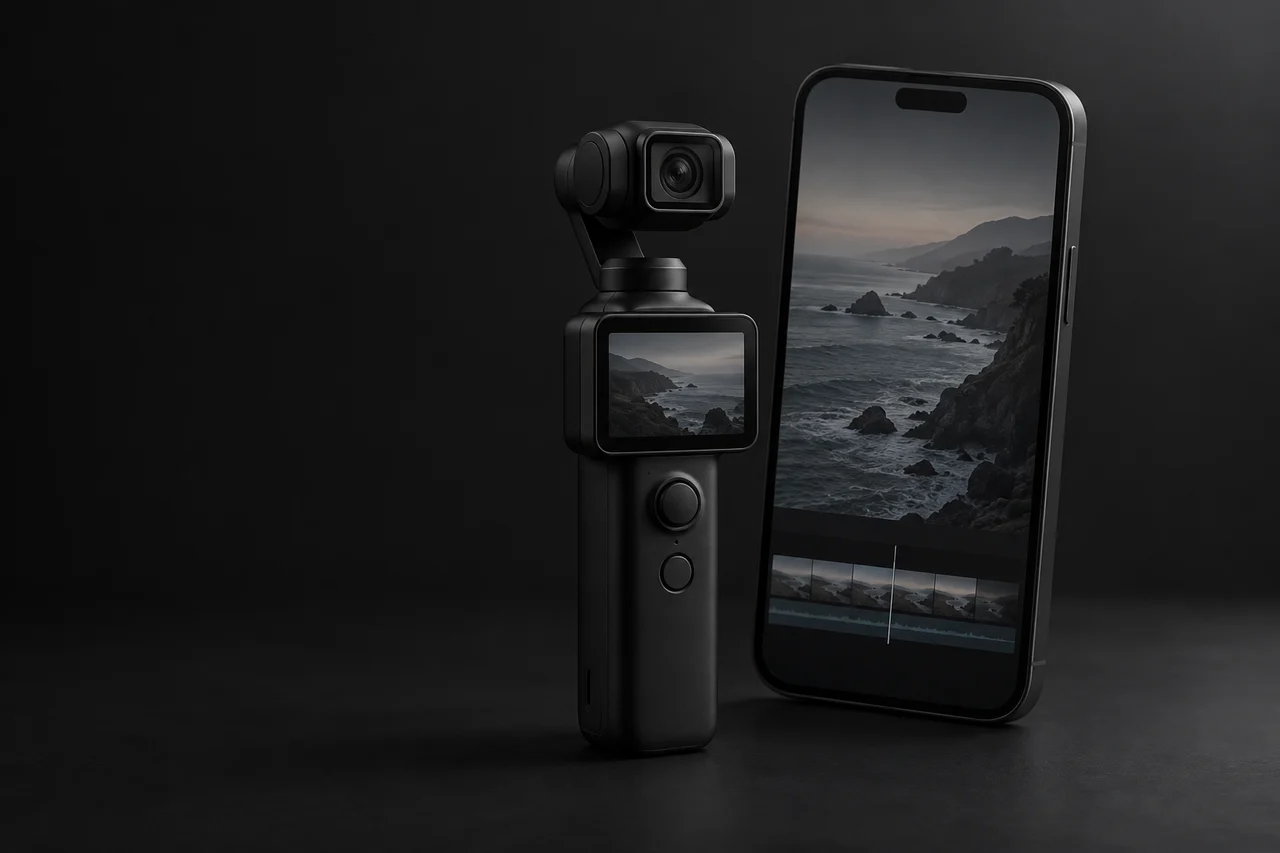
Give your Normal footage a Ricoh GR-inspired color style. Import the .cube LUT into DJI Mimo on iPhone, apply the look and export.

View Negative 01
NEGATIVE 01 / .CUBE VIDEO LUTGR PHOTOGRAPHY · FILM INSPIRATION

GR-inspired color
for video.

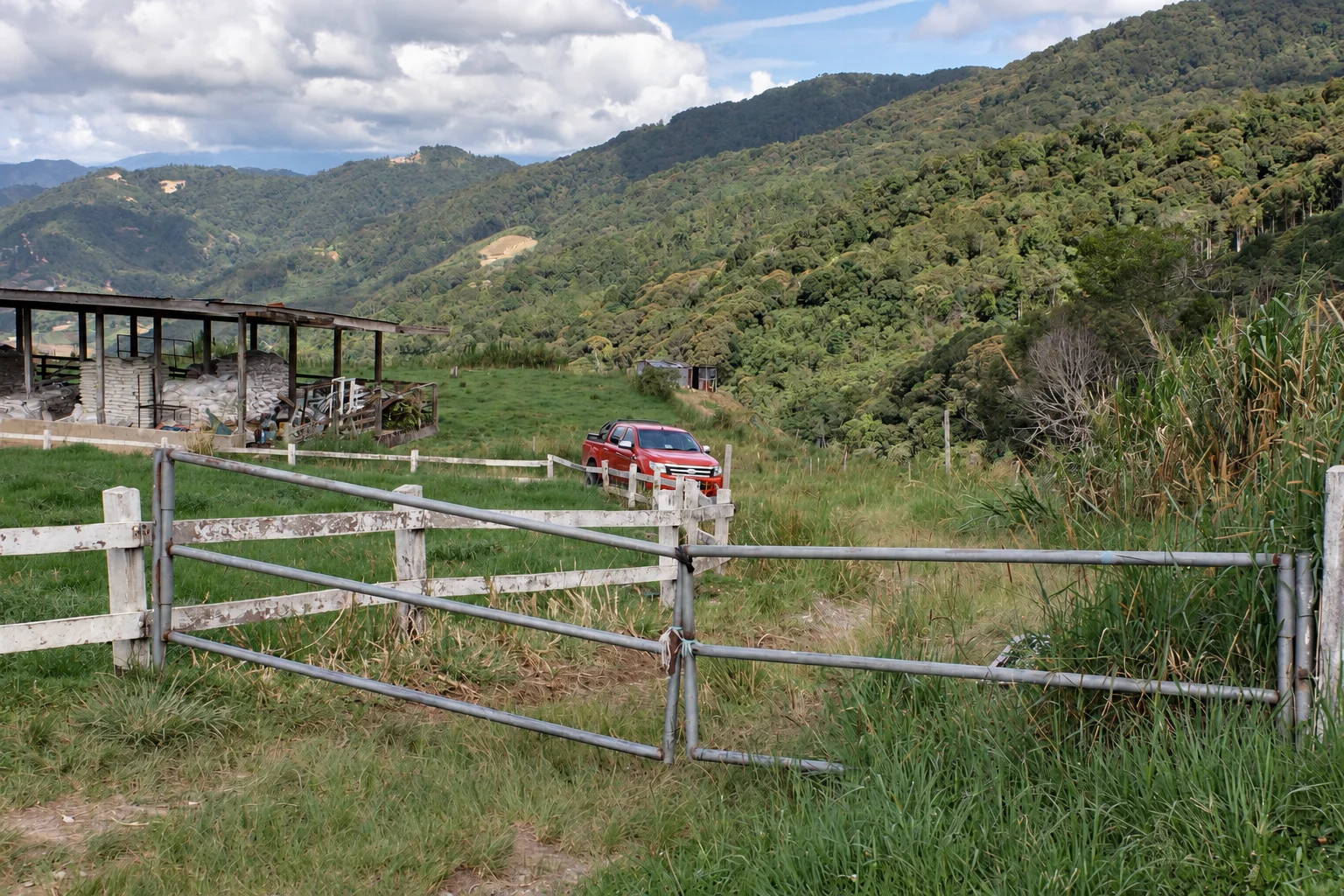
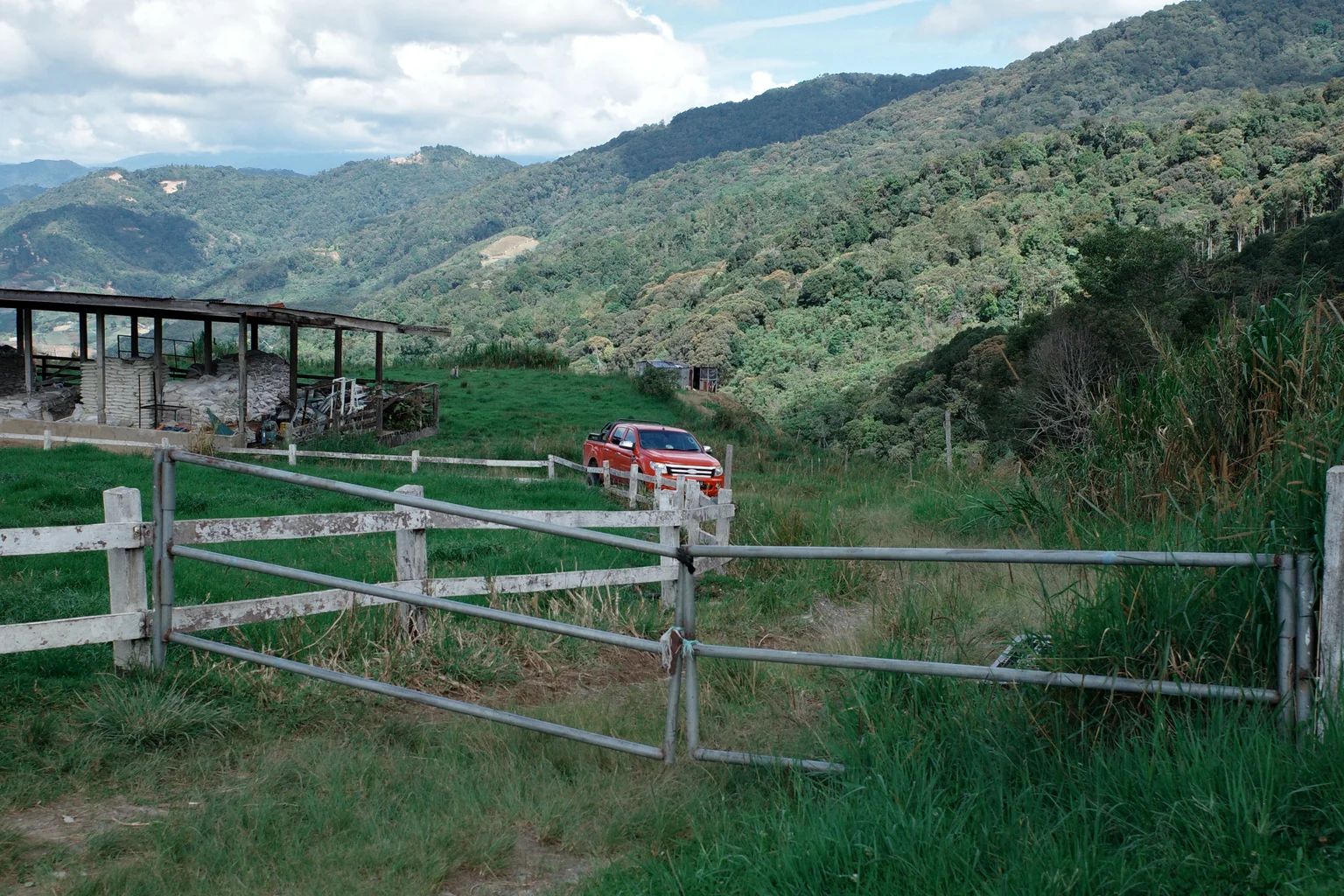
Warm highlights, muted greens and a touch of teal. Explore the photographic color reference behind Negative 01.

A red pickup truck behind a farm gate among green mountain hills — AI natural-color simulation A red pickup truck behind a farm gate among green mountain hills — Ricoh GR Negative Film photo Before After

GR PHOTOGRAPHIC COLOR REFERENCEView the LUT details

Edit your Pocket videos
on iPhone.

Download the LUT, import it into DJI Mimo, then apply the look and export.

01

Download

Download the .cube file and save it to Files on your phone.

02

Import

Open your clip in DJI Mimo and import the .cube file from Files.

03

Apply & Export

Apply Negative 01, adjust the color to suit your clip and export.

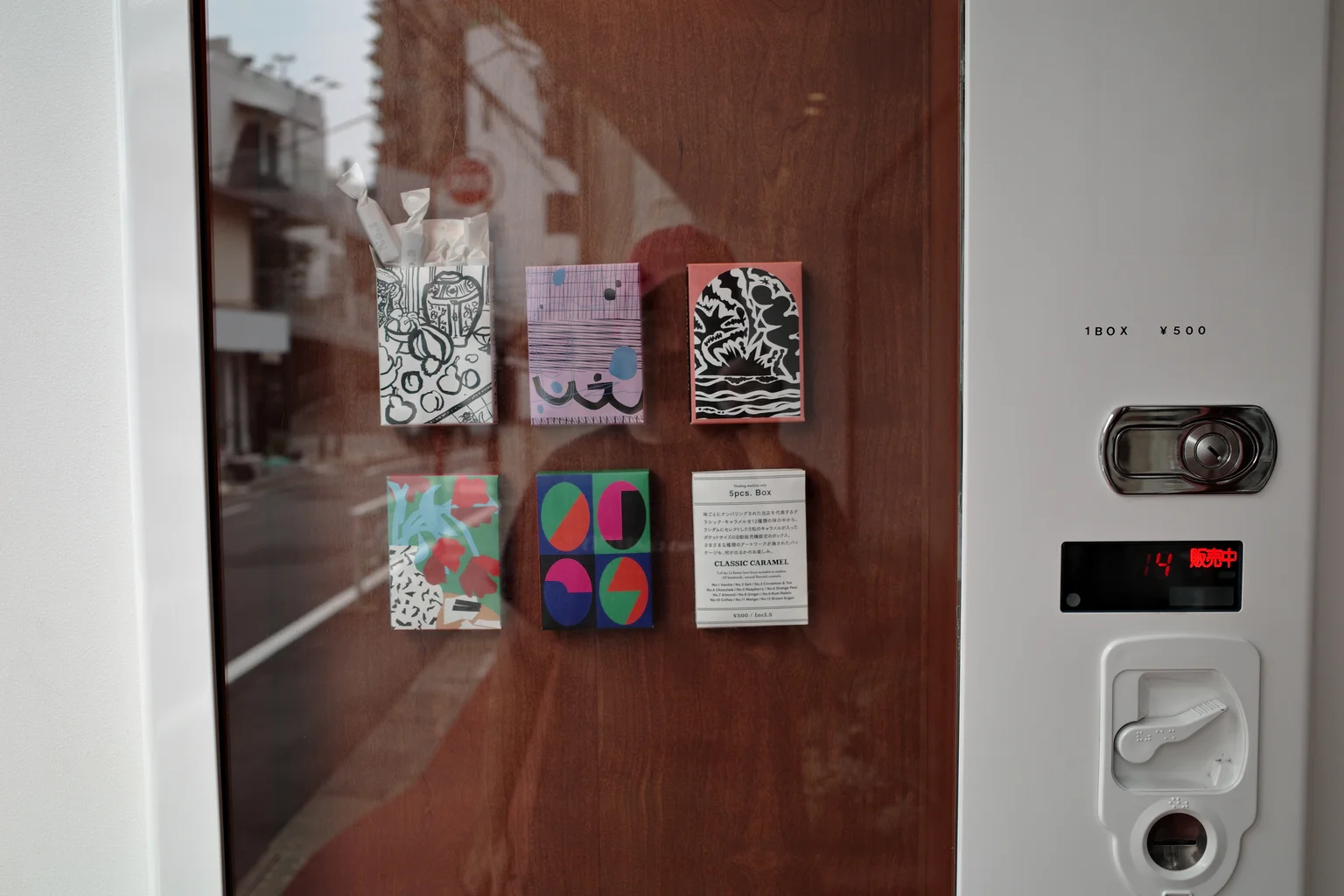
Colorful packets in a wooden vending display beside a white machineNEGATIVE
01
GR PHOTOGRAPHY · STYLE REFERENCE

Negative 01 video LUT.

A Ricoh GR Negative Film-inspired LUT for DJI Pocket creators. Use it with Normal footage in DJI Mimo on iPhone.

Normal input$12.99 USD
Get Negative 01 — $12.99

One-time purchase · Digital download

See compatibility & license

From GR photos
to Pocket video.
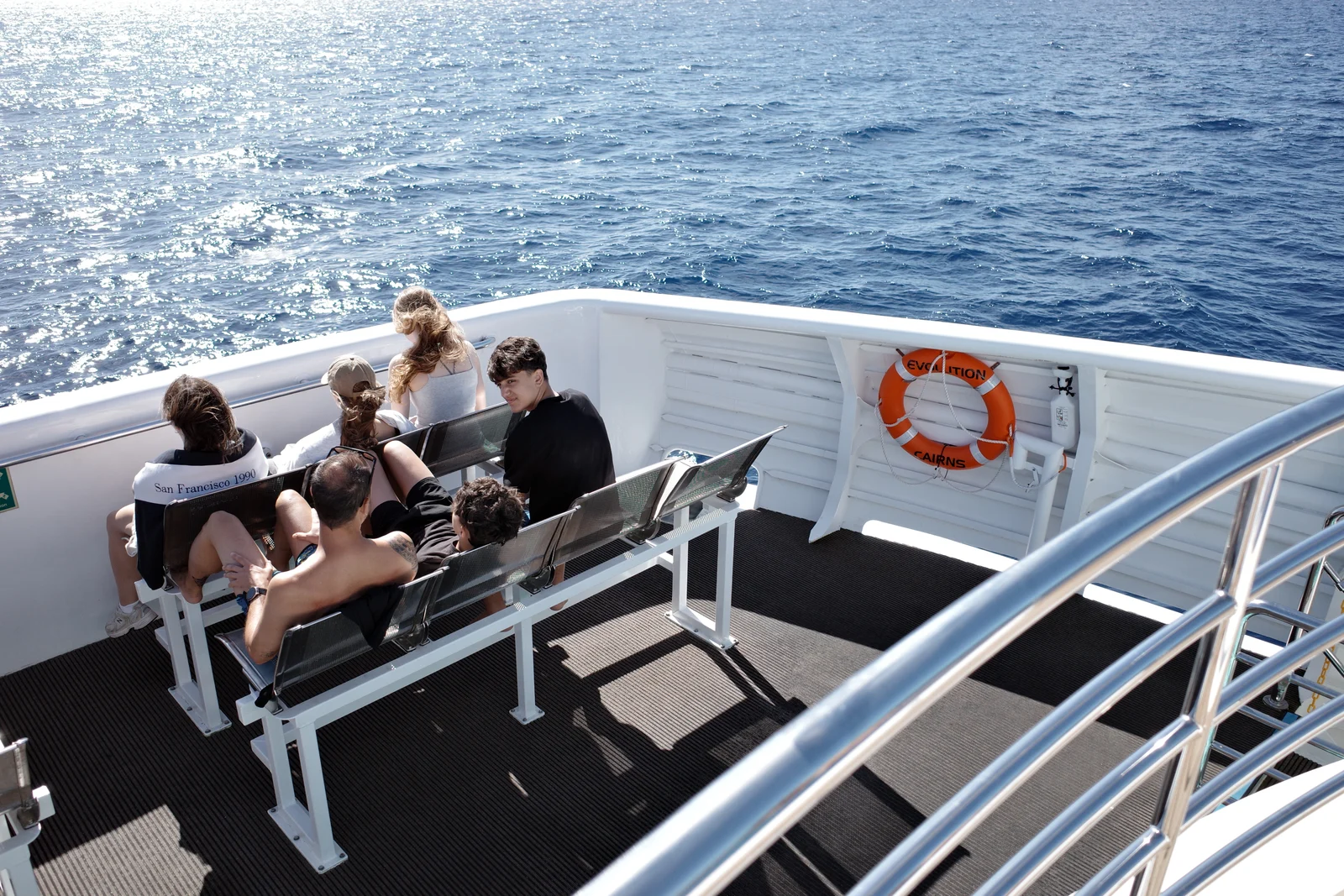
Passengers on a sunlit boat deck beside blue water, photographed by Jerome
A moment from my travels. Shot on Ricoh GR.

I like the warm highlights and muted colors of Ricoh GR Negative Film. While traveling, I wanted a similar style in the videos I shot on my DJI Pocket.

That became Negative 01: a creative LUT for Normal video, with a simple iPhone + DJI Mimo workflow.

This is the first DLOGM look. I plan to keep testing new color styles as I travel and shoot.
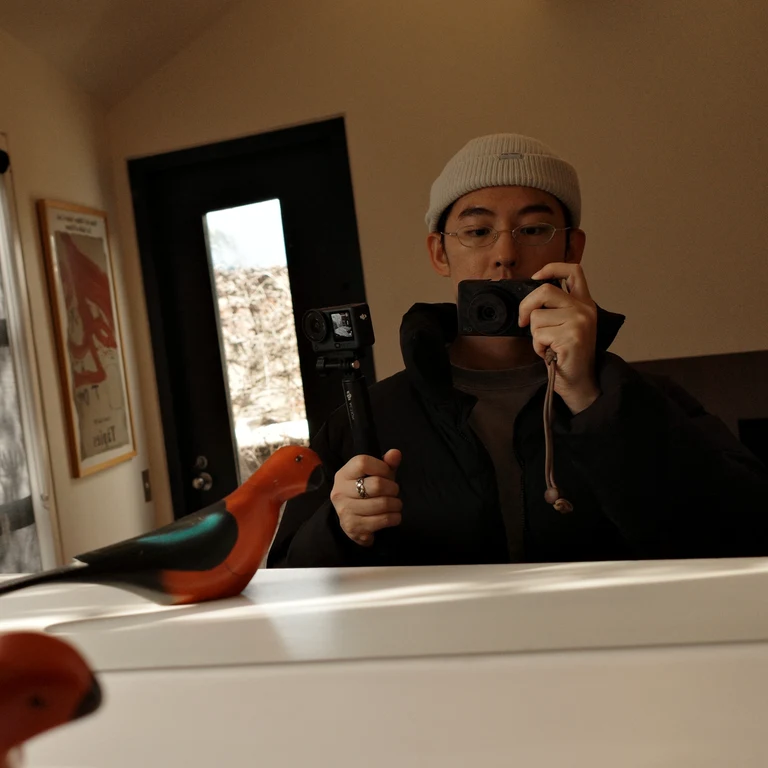
Jerome wearing a knit beanie and glasses, holding a camera for a mirror portrait
JeromePhotographer & creator of DLOGM

Before you buy.

Is Negative 01 for Normal or D-Log M?

The included version is for Normal footage. If you shoot D-Log M, contact us about the free buyer adaptation before using the Normal file.

Can I use it for client work?

Yes. One buyer can use the LUT in personal and commercial videos, including paid client work and monetized content. Deliver finished videos to clients; do not share or resell the LUT file.

How do I use it on my phone?

Save the .cube file to Files on your iPhone, open your Normal clip in DJI Mimo, import the LUT and adjust the look before exporting. The How to use page walks through the process.

How do I get my file?

After payment confirmation, use the download access on your order page or in your order email. If you lose access, contact support with your purchase email and order reference.

Can I get a refund?

Digital downloads do not include change-of-mind refunds for personal taste or no longer needing the product. Contact support about duplicate payments, delivery failures or a file that does not work as described. Your mandatory consumer rights remain unchanged; see the refund policy for details.