Negative 01
Video LUT for DJI Pocket
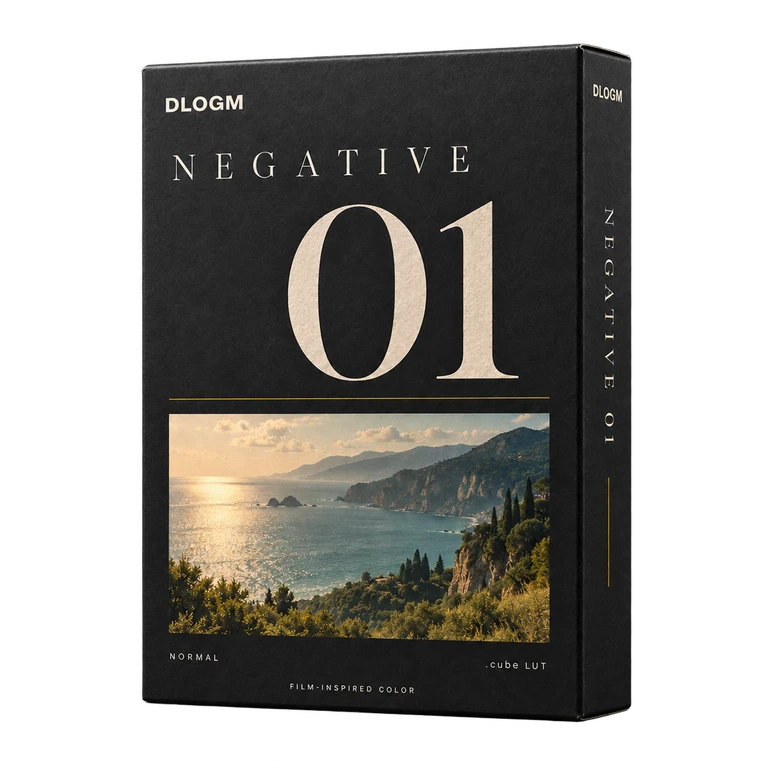
A Ricoh GR Negative Film-inspired .cube LUT for Normal footage. Import it into DJI Mimo on iPhone to add a warmer, more muted color style to your Pocket videos.
Get Negative 01 — $12.99One-time purchase · Digital download

 Before After
Explore eight GR
color references.
Compare the GR palette across daylight, portraits, indoor light and night scenes. Choose a scene, then drag the slider.

 Before After
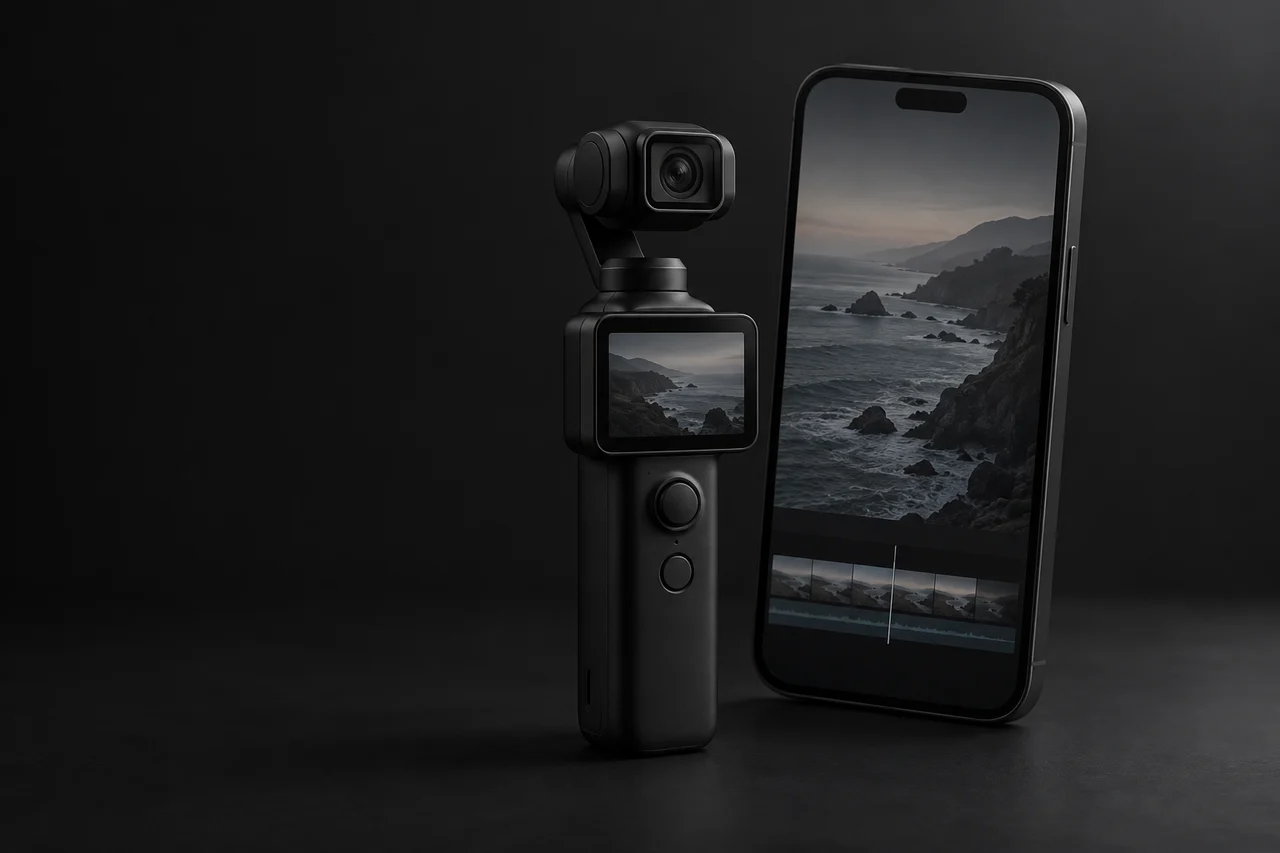
Edit your Pocket videos
on iPhone.
Download the LUT, import it into DJI Mimo, then apply the look and export.
Download
Download the .cube file and save it to Files on your phone.
Import
Open your clip in DJI Mimo and import the .cube file from Files.
Apply & Export
Apply Negative 01, adjust the color to suit your clip and export.
Specifications
Negative 01 / NormalFile & input
- Format
- .cube LUT
- Input profile
- Normal footage
- Included
- 1 LUT + getting-started guide
- D-Log M
- Free adaptation on request for buyers.Request adaptation
Compatibility & license
- Mobile
- DJI Mimo iPhone
- Desktop
- DaVinci Resolve
- Adobe Premiere Pro
- Final Cut Pro
- License
- Personal + commercial video useLicense details
Before you buy.
Is Negative 01 for Normal or D-Log M?
The included version is for Normal footage. If you shoot D-Log M, contact us about the free buyer adaptation before using the Normal file.
Can I use it for client work?
Yes. One buyer can use the LUT in personal and commercial videos, including paid client work and monetized content. Deliver finished videos to clients; do not share or resell the LUT file.
How do I use it on my phone?
Save the .cube file to Files on your iPhone, open your Normal clip in DJI Mimo, import the LUT and adjust the look before exporting. The How to use page walks through the process.
How do I get my file?
After payment confirmation, use the download access on your order page or in your order email. If you lose access, contact support with your purchase email and order reference.
Can I get a refund?
Digital downloads do not include change-of-mind refunds for personal taste or no longer needing the product. Contact support about duplicate payments, delivery failures or a file that does not work as described. Your mandatory consumer rights remain unchanged; see the refund policy for details.
Add Negative 01
to your next video.
Get Negative 01 — $12.99 Normal · $12.99 USD